
Cruise Apps Guide

Cruise line apps have become an important part of the cruise experience, but many first-time cruisers are surprised by what they can and cannot do. Most major cruise lines now use their apps for check-in, boarding documents, dining reservations, daily schedules, and onboard communication. Understanding how these apps work before you sail can save time, reduce stress, and help you avoid some common frustrations once you’re onboard.
What cruise apps actually do
Most cruise line apps are practical planning and communication tools, not magic travel assistants. They can help with check-in, boarding documents, dining reservations, daily schedules, deck maps, excursion details, and sometimes onboard chat, but they do not make every part of the trip seamless.
One of the biggest advantages of cruise line apps is having a single place to check plans, times, reservations, and onboard information without standing in line for every small question. Whether you’re preparing for embarkation or reviewing general first cruise tips, the app often becomes the easiest place to find important information throughout the trip.
What most cruise line apps usually handle
- Mobile check-in tasks before sailing
- Boarding times and travel document reminders
- Dining and activity reservations on some ships
- Daily schedules and venue hours
- Deck maps and ship navigation help
- Onboard account viewing and package details
- Messaging features that vary by cruise line
Expectations
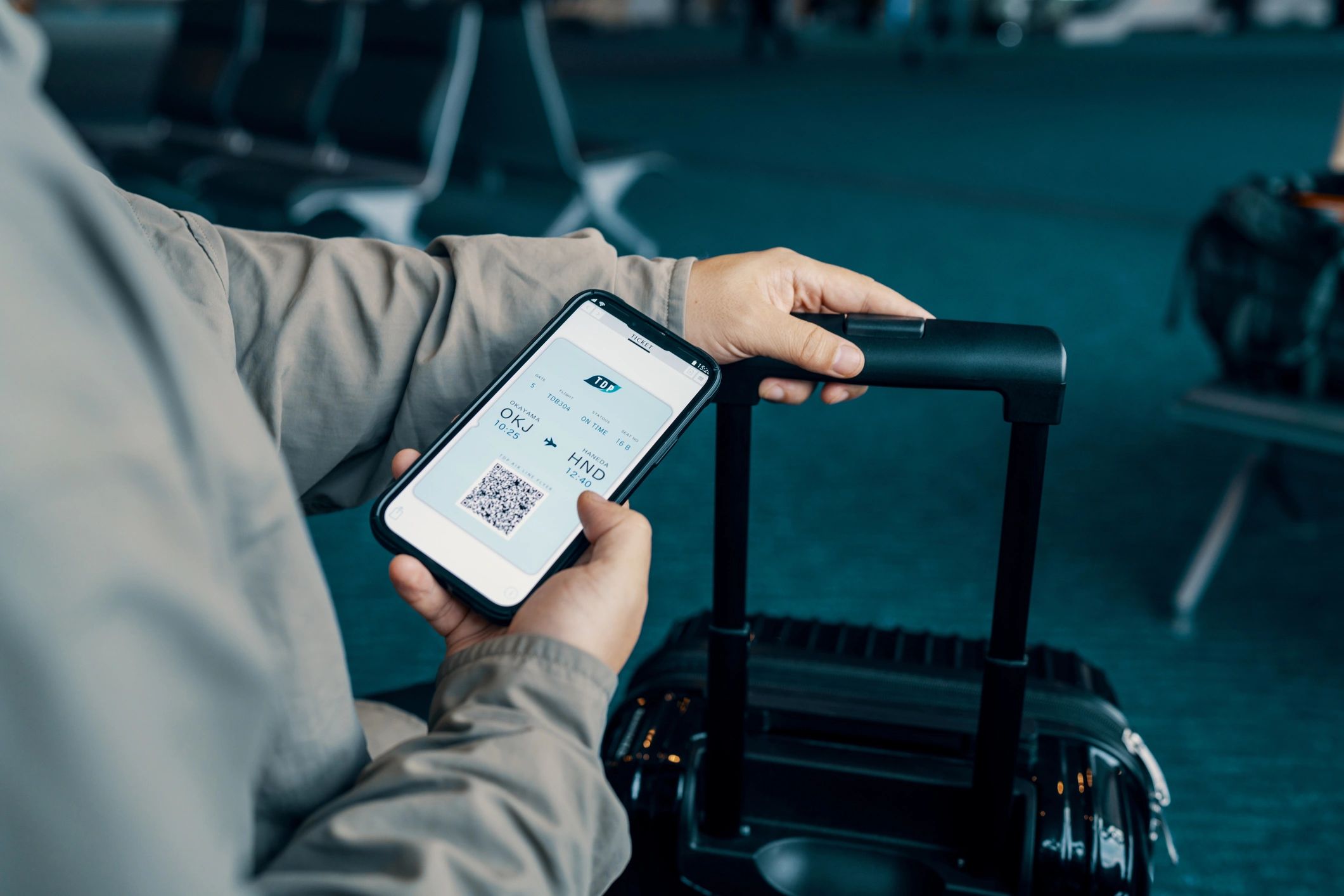
Download the app early, sign in before travel day, and screenshot anything important. Airport Wi‑Fi, terminal crowds, and weak signals are not the best time to troubleshoot passwords.
Mobile check-in is helpful, but not instant
Many cruisers assume app check-in means they can skip every line. In reality, mobile check-in usually speeds up document collection and boarding preparation, but you may still wait at the terminal, show passports, confirm arrival times, and go through security.
What to do before travel day
- Upload documents as early as the cruise line allows
- Double-check names and passport details
- Save boarding passes and arrival times to your phone
- Keep paper backups if you prefer extra peace of mind
What the app will not fix
- Traffic delays getting to the port
- Long security lines
- Slow boarding windows
- Last-minute document problems
Dining reservations, messaging, and daily planning
This is where cruise apps often become most useful. Depending on the cruise line, you may be able to reserve specialty dining, check show times, review the daily planner, and message other people in your group. Some apps handle these features well, while others can feel limited, clunky, or inconsistent from ship to ship. Taking a few minutes to explore the app before embarkation can help you understand what features are available and avoid surprises once you’re onboard.
Useful app features
- Checking restaurant availability
- Reviewing venue hours
- Finding your way around the ship
- Tracking booked activities
- Messaging family members when supported
Common frustrations
- Reservations disappearing or showing limited times
- Messaging that costs extra or works inconsistently
- Slow loading on crowded embarkation day
- Features that vary by ship or sailing
If dining is a major part of your trip, the Dining Guide is a better place to set expectations than the app alone.

Wi‑Fi realities and offline limits
Many cruise line apps remain surprisingly functional even without a paid internet package. You can often view daily schedules, deck maps, dining reservations, account information, and other onboard details while connected to the ship’s network. The confusion comes when passengers assume that means their phone has full internet access. Outside apps, websites, email, social media, and some messaging features may still require a Wi-Fi package or cellular service in port.
Apps worth having beyond the cruise line app
The cruise line app is only part of the picture. Travel days usually go more smoothly when you also have the right supporting apps already installed and logged in. The first few hours onboard are often when passengers start checking schedules, reviewing reservations, locating venues, and getting familiar with the ship. If you purchase a Wi-Fi package, many travelers also prefer using familiar messaging apps such as WhatsApp, Facebook Messenger, or iMessage to stay in touch with family and friends instead of relying solely on the cruise line’s built-in messaging features.
Before embarkation
- Airline apps for gate changes and delays
- Hotel apps if staying overnight pre-cruise
- Rideshare or taxi apps for port transfers
- Weather apps for packing and port planning
During the trip
- Offline maps for port areas
- Translation apps for international stops
- Photo backup apps if you use them regularly
- Messaging apps for use when you have real internet access
If you are planning independent time ashore, this pairs naturally with the practical advice in the Excursion Guide.
Battery drain is more real than many people expect
Phones work harder on cruise trips than many travelers realize. You may be using your screen for boarding documents, photos, maps, schedules, messaging, and repeated signal searching. That combination drains batteries fast, especially on embarkation day and port days.
Why batteries drop fast
- Constant photo and video use
- Searching for weak signals
- Bright outdoor screen settings
- Heavy use of travel documents and maps
What helps
- Bring a portable charger
- Pack the right charging cable in your day bag
- Use airplane mode when you do not need service
- Screenshot key information before leaving the ship
This is one of those small details that fits naturally with the Packing Guide and saves more stress than people expect.
Practical app expectations
- Download cruise, airline, and transport apps before you leave home
- Log in early and reset passwords before travel day
- Do not assume onboard messaging is free or reliable on every line
- Expect some features to work only on the ship’s internal network
- Keep screenshots of boarding passes, reservations, and excursion details
- Bring a portable charger if you rely heavily on your phone
- Use apps as backup tools, not your only plan
If you are still building your overall first-cruise plan, the best companion pages are First Cruise Tips, Costs Guide, and Embarkation Guide.
Cruise apps FAQ
Quick answers to the app questions many cruisers ask before embarkation day.
Do I need the cruise line app before I board?
Usually yes. Many cruise lines now use their app for check-in steps, boarding details, reservation access, daily schedules, and onboard messaging. Download it before travel day and log in at home, not in the terminal.
Will the app work without buying Wi‑Fi?
In most cases, yes. Most cruise line apps remain functional on the ship’s internal network and can display schedules, reservations, deck maps, and other onboard information without purchasing internet access. Some features, such as messaging or external internet access, may still require a Wi-Fi package depending on the cruise line.
Can I make dining reservations in the app?
Sometimes before sailing, sometimes after boarding, and sometimes not at all depending on the cruise line and ship. Check early, but have backup expectations in case popular times are already gone.
Should I rely on my phone for everything onboard?
No. Phones help, but batteries drain faster than many people expect and ship connectivity can be inconsistent. Screenshot key details like boarding times, reservation confirmations, and excursion tickets.
What other apps are useful besides the cruise line app?
Airline apps, weather apps, offline maps, translation tools, and messaging apps can all help before and after port days. They matter most around flights, embarkation, and independent touring.
Is a portable charger worth bringing?
For many travelers, yes. Cruise days can be long, especially on embarkation day, excursion days, and travel days with heavy phone use. A small approved portable charger is often more useful than people expect.
Keep your app expectations realistic
Cruise apps can make check-in, planning, and onboard logistics easier, but they do not remove every line, delay, or connectivity issue. A little preparation usually matters more than having every app on your phone.